
Social media can feel like an endless obligation: more platforms, more formats, more trends to chase. A clear strategy shrinks the job to something manageable. It answers four questions: where should you show up, what should you post, how often, and how will you know if it is working?
Choose platforms by audience, not by hype
Being moderately active on two platforms beats being invisible on six. Start by asking customers where they spend time online and what they follow for ideas in your category. Then consider the format each platform rewards:
- Instagram — visual products, food, interiors, beauty and anything with a strong before-and-after.
- Facebook — local communities, events, groups and an older-skewing customer base.
- LinkedIn — professional services, B2B, hiring and expertise-led posts.
- TikTok and short-form video — demonstrations, personality-driven content and discovery among younger audiences.
- Pinterest — planning-driven categories such as weddings, home, recipes and crafts, where posts keep circulating for months.
- YouTube — longer tutorials and reviews that people actively search for.
Claim your business name on the others to protect it, then focus your energy where the fit is strongest.
Build a balanced content mix
Accounts that only post promotions tend to be ignored. A useful rule of thumb is to rotate between four types of post:
- Helpful — tips, how-tos and answers to common questions.
- Behind the scenes — your process, your team (with their consent), your workspace.
- Community — reposting customers who tag you (with permission), local events, partner shout-outs.
- Offers — new products, bookings, seasonal promotions, clear calls to action.
Roughly three helpful or human posts for every promotional one keeps the feed worth following while still driving sales.
Create a short list of "evergreen prompts" for each post type, such as "a mistake customers often make" or "a tool we use every day." When you are stuck for ideas, pick a prompt instead of staring at a blank caption.
Set a rhythm you can actually keep
Consistency matters more than volume. Two thoughtful posts a week, every week, will outperform a burst of daily posting followed by a month of silence. Decide on a baseline for each platform and block time on your calendar to produce it.
A sample weekly rhythm
| Day | Post type | Example |
|---|---|---|
| Monday | Helpful | A 30-second tip video answering a common question |
| Wednesday | Behind the scenes | A photo series of an order being prepared |
| Friday | Offer or community | Weekend availability, or a customer feature shared with permission |
Batch-produce a week or two of posts in one sitting and load them into a scheduler. Leave room for timely, spontaneous posts as well; scheduled content is a floor, not a ceiling.
Community management is the strategy
The "social" part of social media is where small businesses have a real advantage over large brands. You can reply personally, remember regulars and fix problems quickly. Set a few simple standards:
- Respond to comments and messages within one business day.
- Answer public complaints calmly and move details to a private message or phone call.
- Thank people who share or tag you.
- Write down answers to frequent questions so anyone on the team can reply consistently.
Write a short social media policy
Even a team of three benefits from a one-page policy. Note who can post on behalf of the business, which topics are off-limits, how to handle customer complaints and personal data, and when to escalate a situation to the owner. Include a rule about permissions: always ask before posting a photo of a customer or employee, and keep a record of the consent. Store login details in a password manager rather than a shared document, turn on two-factor authentication for every account, and make sure the business, not an individual, owns each profile. These steps take an hour and prevent the most common social media headaches small businesses face, from lost access after a staff change to an awkward public reply posted in a hurry.
Tools for a lean social workflow
You can run a solid social program with a small set of tools:
- Native schedulers built into the platforms are free and support most post types.
- A third-party scheduler helps once you manage three or more accounts, mainly for a single calendar view and shared inbox.
- A template-based design tool keeps graphics on-brand without a designer.
- Your phone camera with good natural light usually beats over-produced visuals.
- A link-in-bio page on your own website (rather than a third-party service) keeps traffic and tracking under your control.
Measuring what matters
Follower counts are easy to see and easy to over-value. More useful signals are:
- Engagement rate — interactions divided by reach, which shows whether content resonates.
- Saves and shares — strong signals that a post was genuinely useful.
- Profile actions — website taps, calls, direction requests.
- Tracked website visits — using UTM-tagged links so you can see what visitors did next.
- Messages and inquiries — the clearest sign social is generating demand.
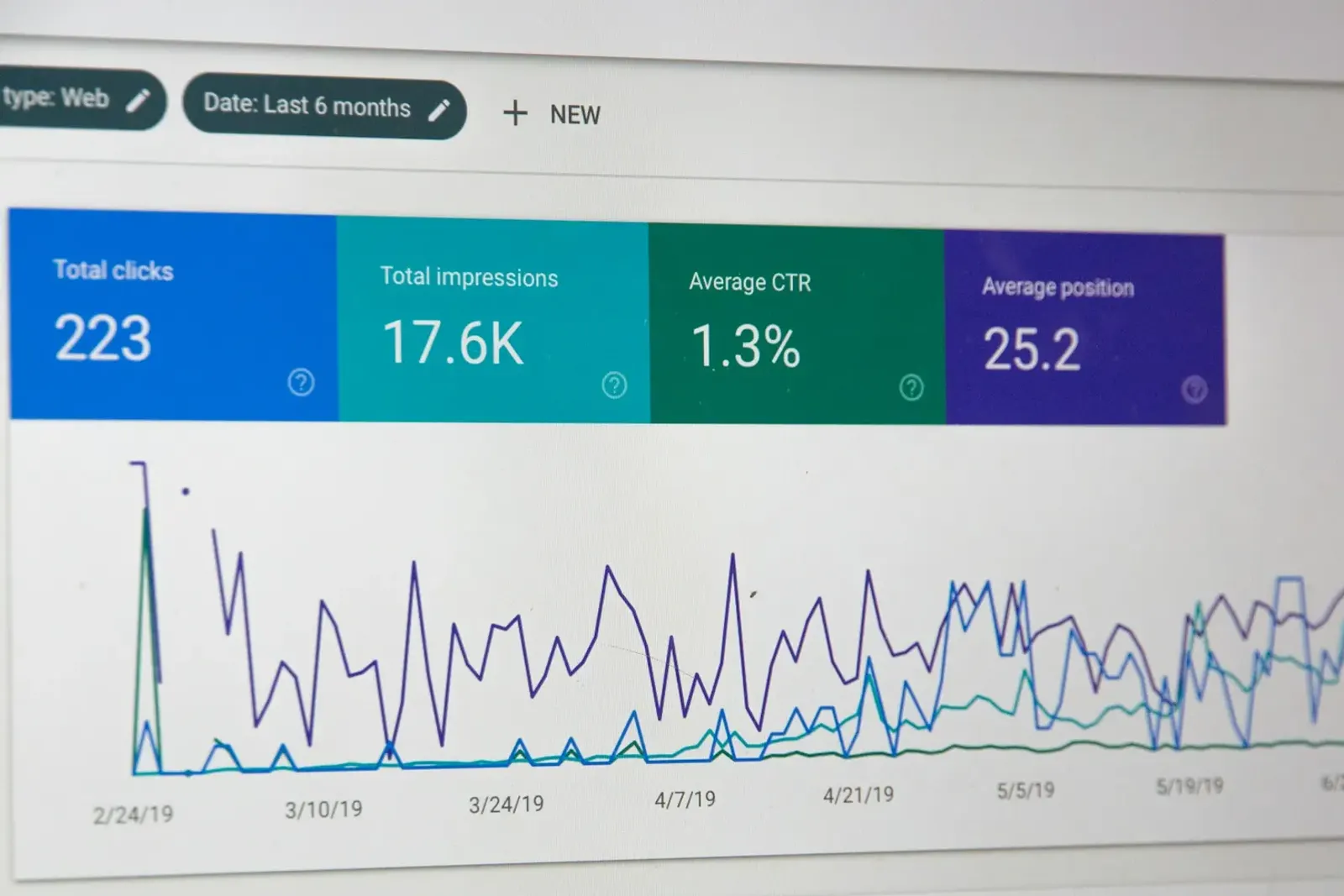
Review monthly. Note your three best and three weakest posts and ask what made the difference. Over a few months, patterns emerge: certain topics, formats or times consistently perform better for your audience, and you can steer your effort toward them.
When to add paid social
Organic reach on most platforms is limited, so modest paid promotion can help once you know which posts resonate. Boost proven content rather than untested posts, target a clear local or interest-based audience, and send people to a page that matches the promise of the ad. The Paid Ads Basics guide covers budgets and structure in more detail.