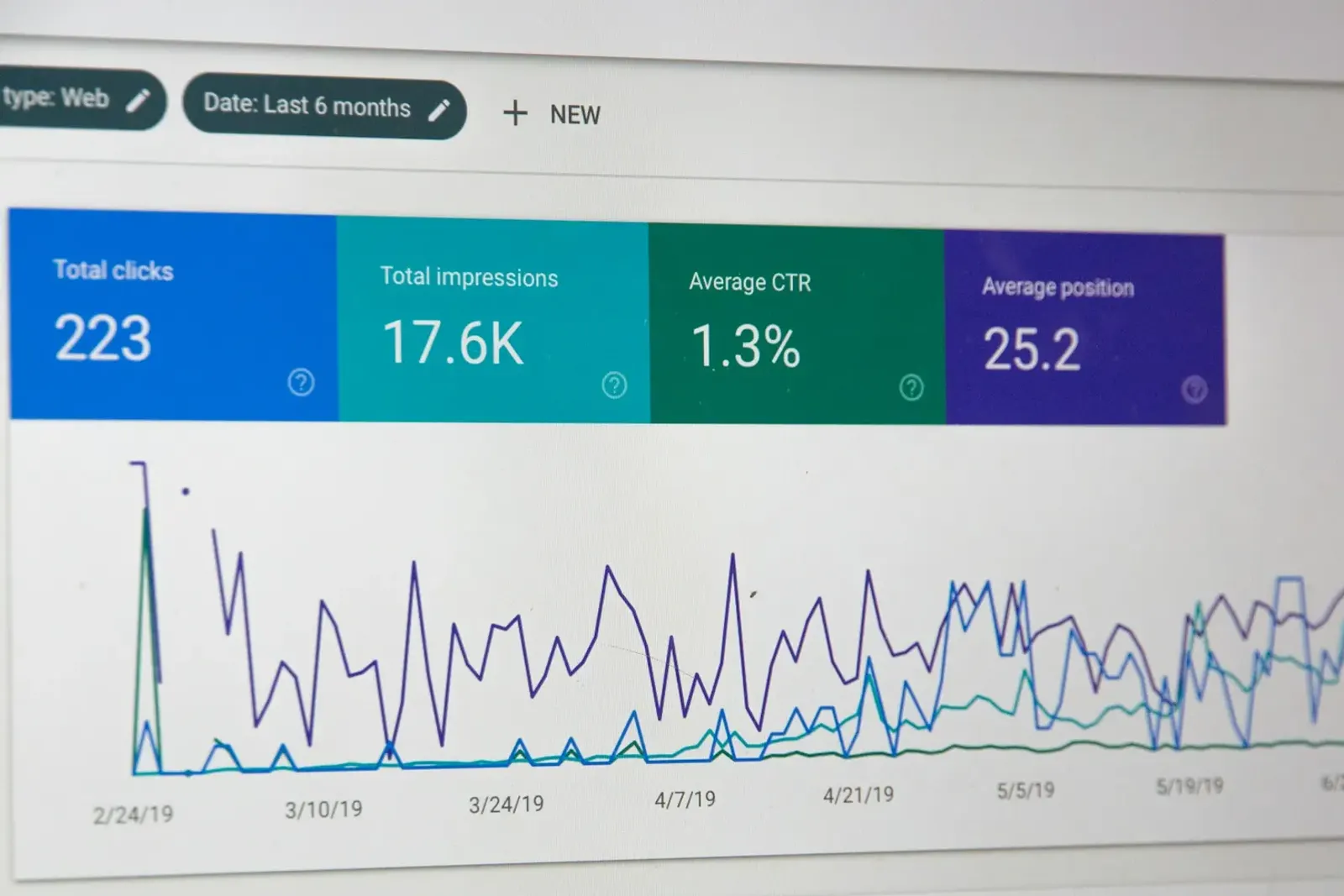
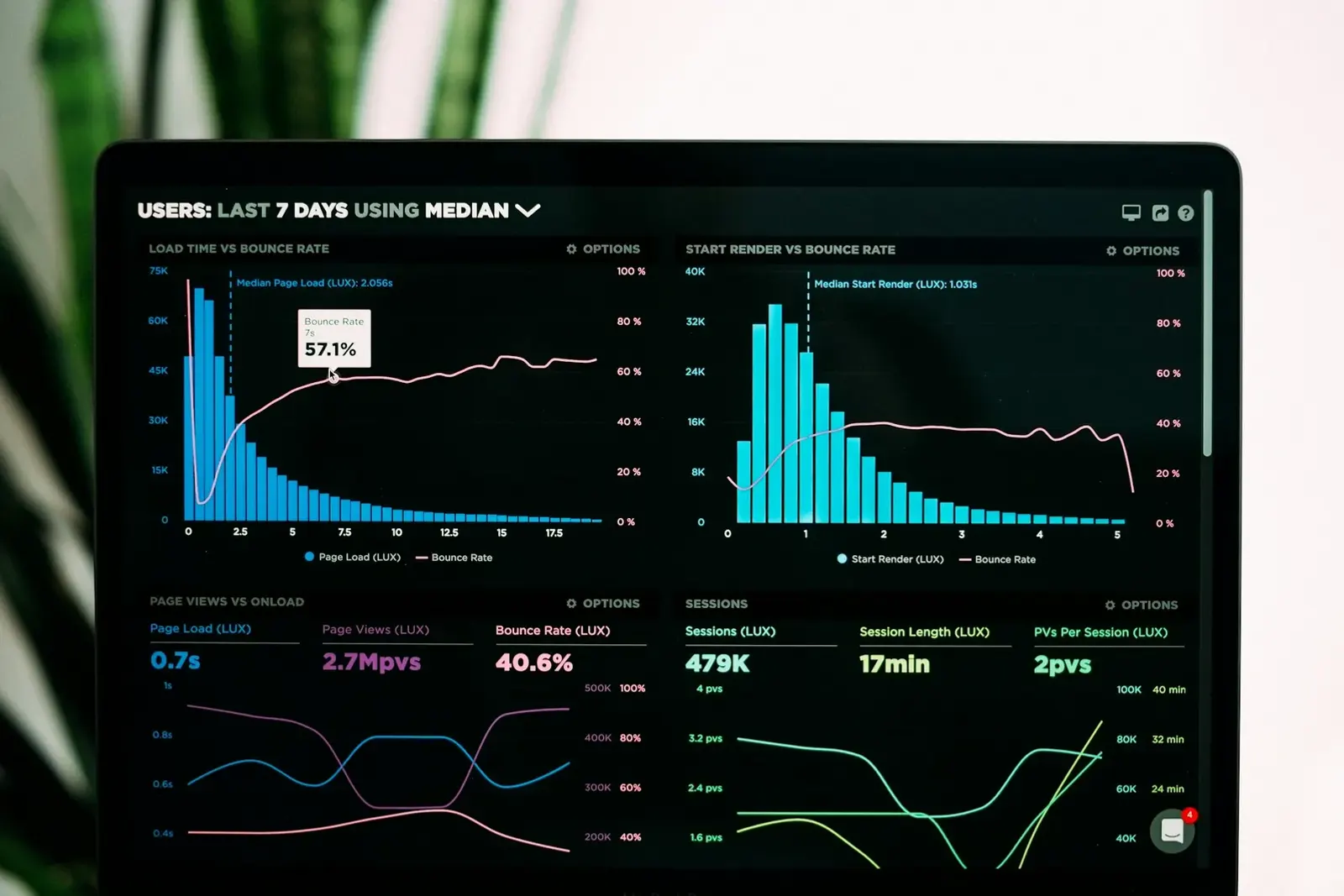
Analytics turns marketing from guesswork into a series of small, informed decisions. You do not need a data team. You need a correctly installed analytics tool, a clear list of the actions that matter, consistent tagging of your campaigns and a short monthly review. This page covers each of those in turn.
Start with business questions
Before opening any dashboard, write down the questions you actually need answered. For most small businesses they look something like this:
- How many people visit the website each month, and where do they come from?
- How many of them contact us, book or buy?
- Which channels and campaigns bring visitors who take those actions?
- Which pages help people decide, and which ones lose them?
Every report you build should help answer one of these. If a metric does not inform a decision, it does not need to be on your dashboard.
Setting up web analytics
Choose an analytics platform, whether a widely used free tool or a privacy-focused alternative, and install it on every page, usually through a single tag in the site template or a tag manager. Then verify it works by visiting your own site and checking the real-time report.
Set-up checklist
- Install the tracking code once, site-wide, and confirm there are no duplicates.
- Exclude internal traffic from your own office or team where the tool allows.
- Connect related accounts, such as your search console and ad platforms.
- Set the correct time zone and currency.
- Review data retention settings and make sure they match your privacy policy.
- Give at least two trusted people administrator access so you are never locked out.
Define your conversions
A conversion is any action that moves someone closer to becoming a customer. Choose a small number of primary conversions and a few secondary ones:
| Type | Examples | How to track |
|---|---|---|
| Primary | Contact form submitted, booking completed, purchase | Thank-you page view or form submission event |
| Primary | Phone call from the website | Click on a tel: link |
| Secondary | Newsletter sign-up, guide download | Confirmation page or event |
| Secondary | Directions request, pricing page view | Outbound click or page view |
Give each conversion a clear, consistent name and write down exactly how it is triggered. This short document saves hours of confusion later, especially when someone else needs to read your reports.
After setting up each conversion, test it yourself: submit the form, click the phone link, complete a test booking. Then confirm the event appears in your analytics. Untested tracking is one of the most common reasons small businesses make decisions based on the wrong numbers.
Tag your campaigns with UTM parameters
Analytics tools can only report what they can see. When someone clicks a link in your newsletter or a social post, the tool may lump that visit into a vague bucket. UTM parameters fix this by adding a few labels to the link:
utm_source— where the traffic comes from (newsletter, facebook, partner-site).utm_medium— the type of channel (email, social, cpc, referral).utm_campaign— the specific campaign (spring-sale, october-newsletter).
Use lowercase consistently and keep a shared spreadsheet of the values you use. Our UTM tagging guide covers naming conventions in detail.
Privacy and consent
Collect only the data you need, describe it accurately in your privacy policy and respect visitors' choices. Depending on where your visitors live, you may need a consent banner before setting analytics or advertising cookies. Never send personal information such as names, email addresses or phone numbers into your analytics tool through URLs or event labels; most platforms prohibit it, and it creates unnecessary risk.
Build a one-page dashboard
A small business dashboard should fit on one screen. A practical layout:
- Visitors this month compared with last month and the same month last year.
- Conversions by type, with the conversion rate.
- Top channels by visits and by conversions.
- Top landing pages with their conversion rates.
- Campaign table showing tagged campaigns and their results.
Free dashboarding tools can pull analytics, search console and ad data into one view, and many offer templates you can adapt.
Common tracking mistakes
Most analytics problems in small businesses come from a short list of avoidable errors:
- Duplicate tags — the tracking code installed twice, often once by a plugin and once by hand, which inflates page views and deflates bounce figures.
- Missing pages — landing pages, booking tools or checkout steps hosted on another service without tracking, so visits seem to vanish.
- Self-referrals — your own payment or booking domain appearing as a traffic source, which hides the real channel that brought the customer.
- Inconsistent UTM values — "Facebook", "facebook" and "fb" reported as three separate sources.
- Changing definitions — renaming or redefining a conversion mid-year, which makes year-over-year comparisons meaningless.
A quarterly fifteen-minute audit, clicking through your own site while watching the real-time report, catches most of these before they distort months of data.
A monthly reporting routine
Set a recurring hour at the start of each month. Review the dashboard, write three short notes (what improved, what declined, what you will change) and share them with whoever makes marketing decisions. Annotate significant events, such as a site redesign, a new campaign or a seasonal rush, so future comparisons make sense.
Above all, connect analytics to reality. Compare website conversions with actual sales, bookings and calls. When the numbers disagree, investigate, because the gap usually reveals a tracking problem or an untracked channel worth understanding.